01
Auto-categorizes by speed
LearnerLog watches your GPS speed and labels each stretch — Expressway, City Driving, Residential — so you don't have to. Re-categorize anything in two taps if needed.
For Texas parent-taught driver ed
LearnerLog auto-fills the Texas 30-hour behind-the-wheel log for Texas parent-taught driver ed.
Record every supervised practice drive with one tap. LearnerLog categorizes them by speed, respects the 60-minute-per-day credit cap, and auto-fills the TDLR 30-hour Behind-the-Wheel form — ready to print and sign.
Android · no sign-up to try · nothing leaves your phone
What it does
LearnerLog watches your GPS speed and labels each stretch — Expressway, City Driving, Residential — so you don't have to. Re-categorize anything in two taps if needed.
The Texas 30-Hour Behind-the-Wheel log is tedious to fill by hand and easy to get wrong. LearnerLog does the accounting and produces a print-ready PDF matching the TDLR layout.
No accounts, no cloud sync, no ads. Your drives, your teen's personal info, your teen's location — all of it stays on your device. Period.
Six screens, zero learning curve
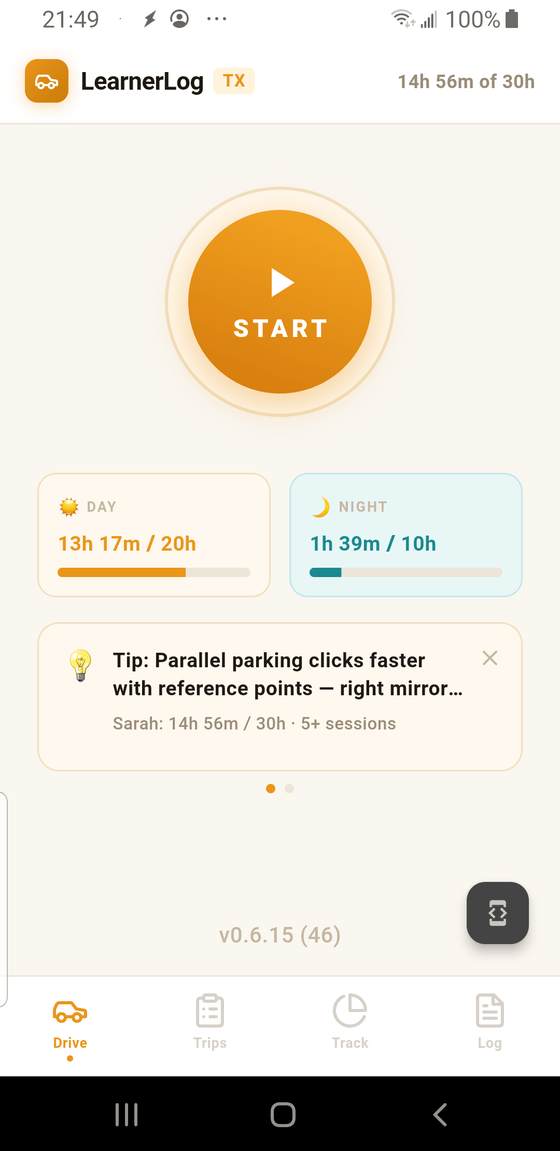
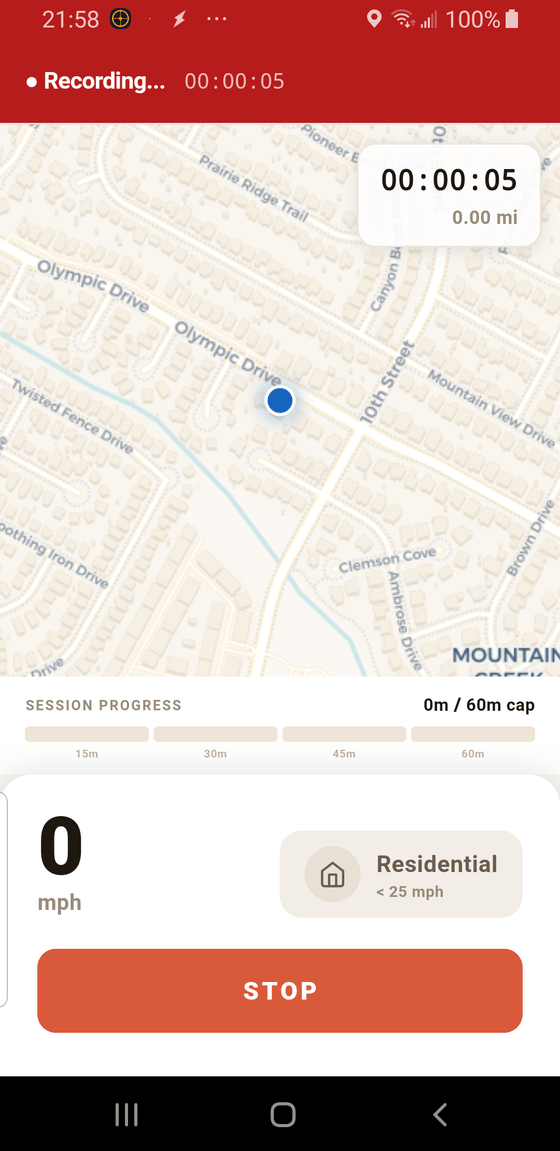
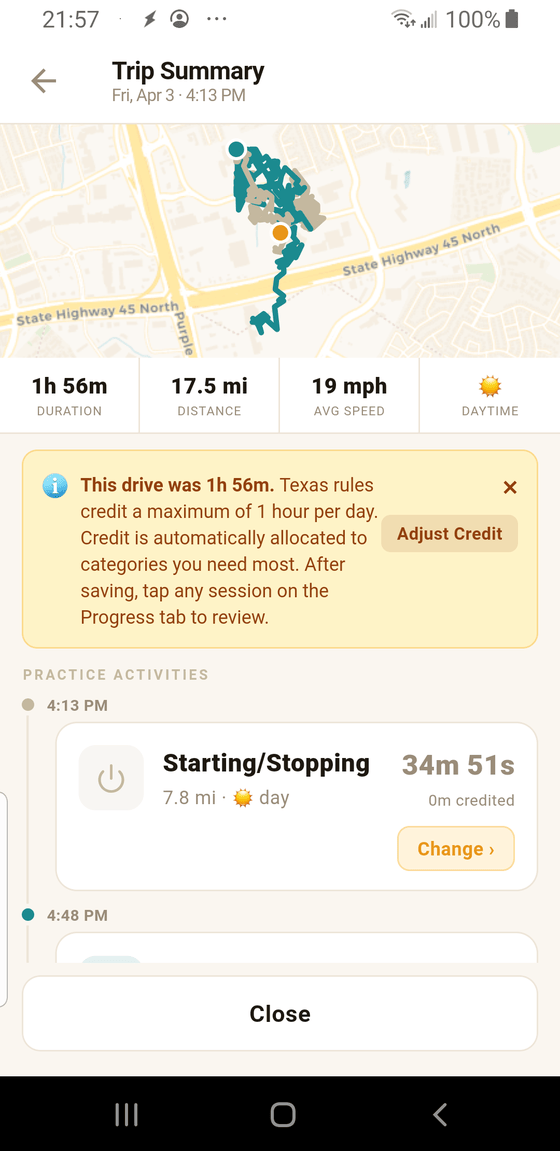
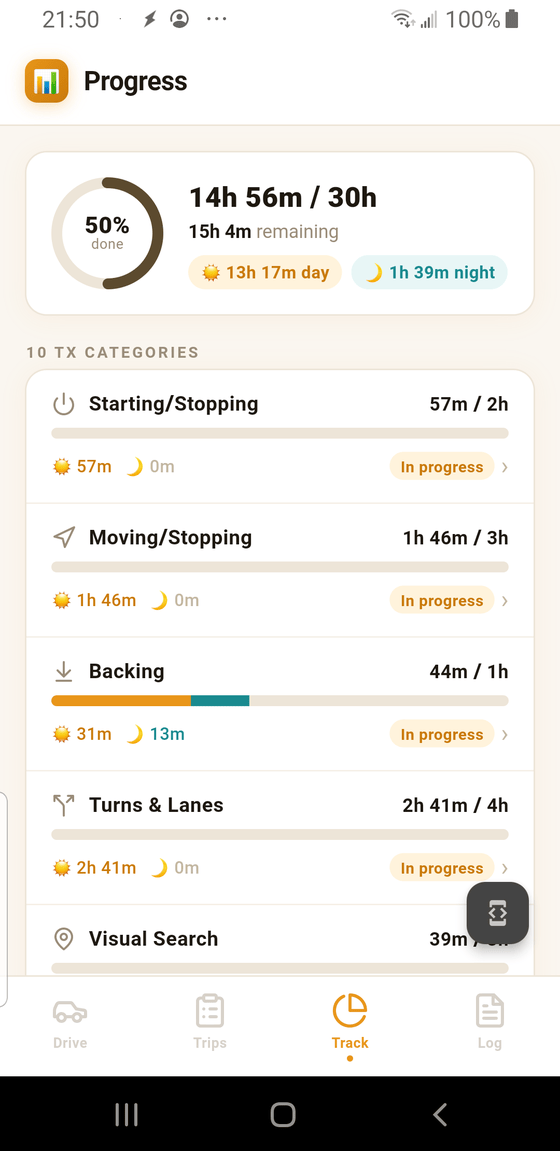
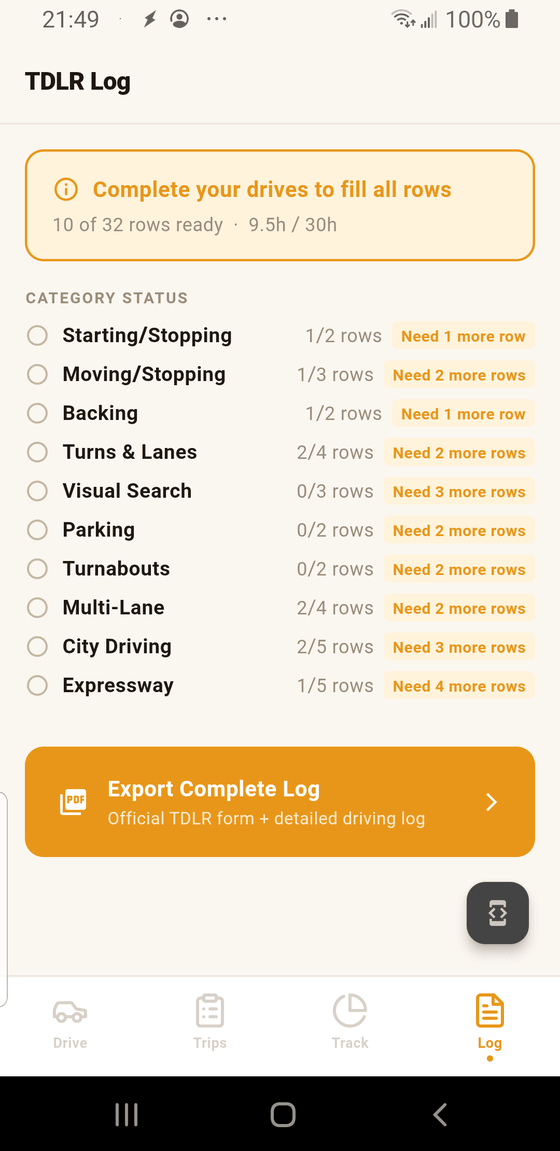
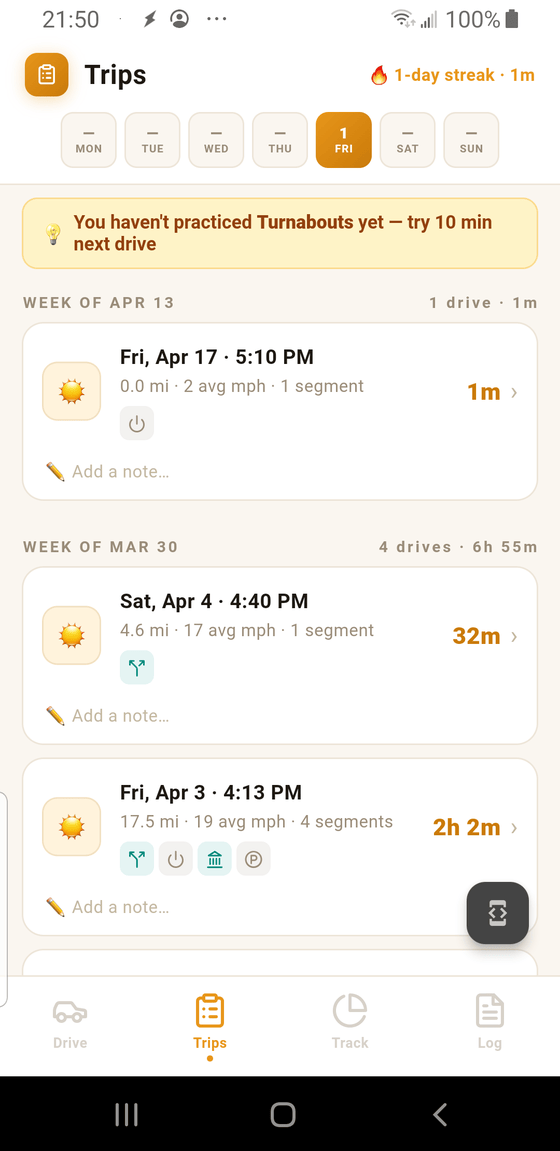
Deep dive on each in the Guide →
Before you download
Two minutes to set up. Three taps to record. One PDF when you're done.
Download the app